Understand Faster
Get the big picture of V7RC without reading everything first.


V7RC Entry
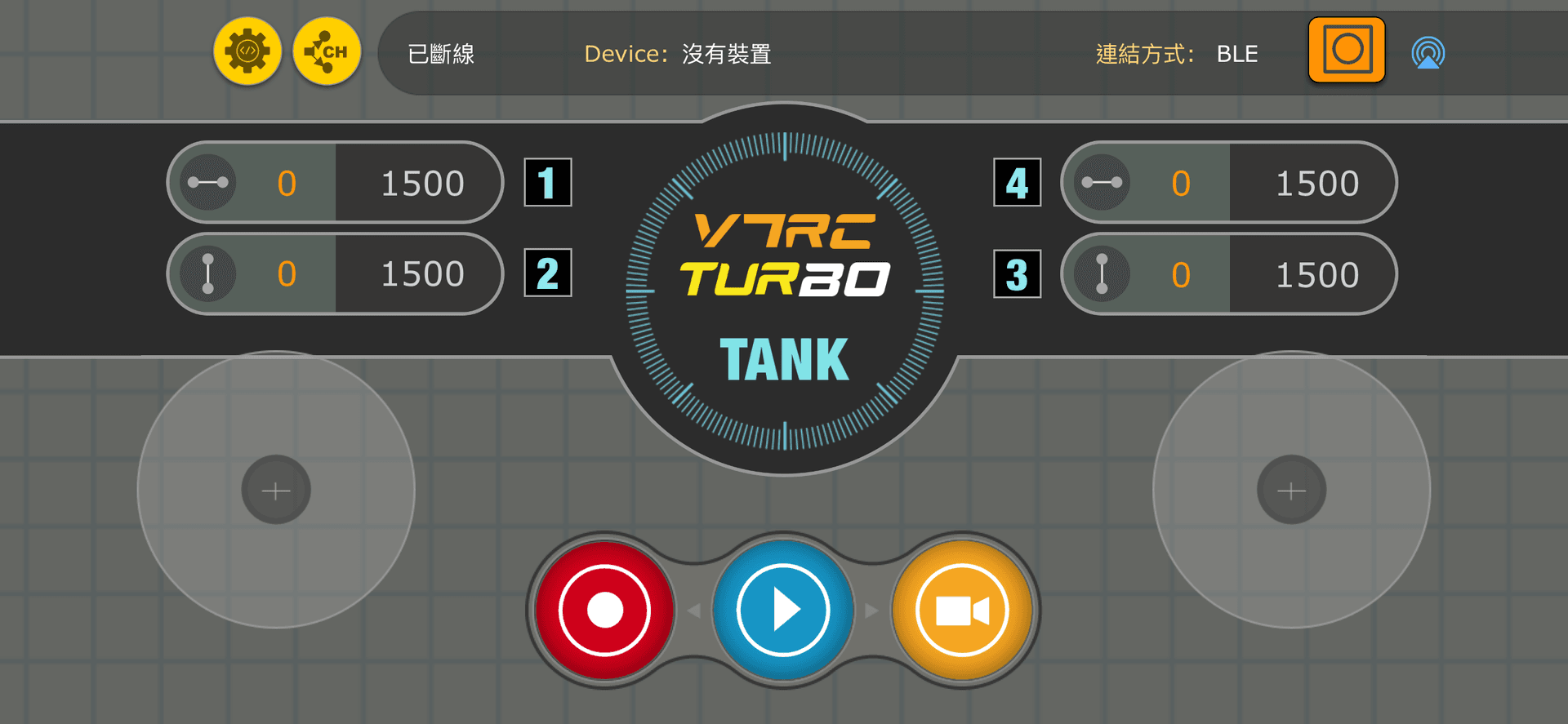
Want to control RC vehicles or robots from your phone? The V7RC app helps you turn ideas into real interactive projects. And that is only the beginning. Let us get started.
First, choose a development board with WiFi or BLE connectivity and Arduino development support, such as Arduino Uno R4, ESP32 series, Realtek series, or Nordic series.
If you are not sure what to choose, you can start with our V7RCDOM-V2 development board:
Then visit our GitHub repository, find the right source code, download it, and deploy it. After that, your vehicle or robot can be upgraded to connect with and be controlled by V7RC.
What is V7RC
V7RC is more than a remote-control app. It is an entry point into RC vehicles and robotics, connecting control, communication, and development into one smoother flow.
Why V7RC
Get the big picture of V7RC without reading everything first.
Learn the board, hardware, and source-code entry points before you begin.
Each section points you toward the next action so you do not get stuck.
Quick Start
Start by installing the app on your phone so you can continue into the control and connection flow.
Choose a development board that supports WiFi or BLE and can be developed with Arduino.
Find the right example in the GitHub repository and deploy it so your vehicle or robot can connect to V7RC.
Common Actions
FAQ
Not necessarily, but basic development knowledge will help you get started with V7RC and hardware integration faster.
Any board with WiFi or BLE and Arduino support is a good candidate, such as Arduino Uno R4, ESP32, Realtek, or Nordic boards.
You can start with the V7RCDOM-V2 development board as a more direct entry option.
Start Now
Install the app, prepare your board, and start from the right source package to connect your vehicle or robot to V7RC.